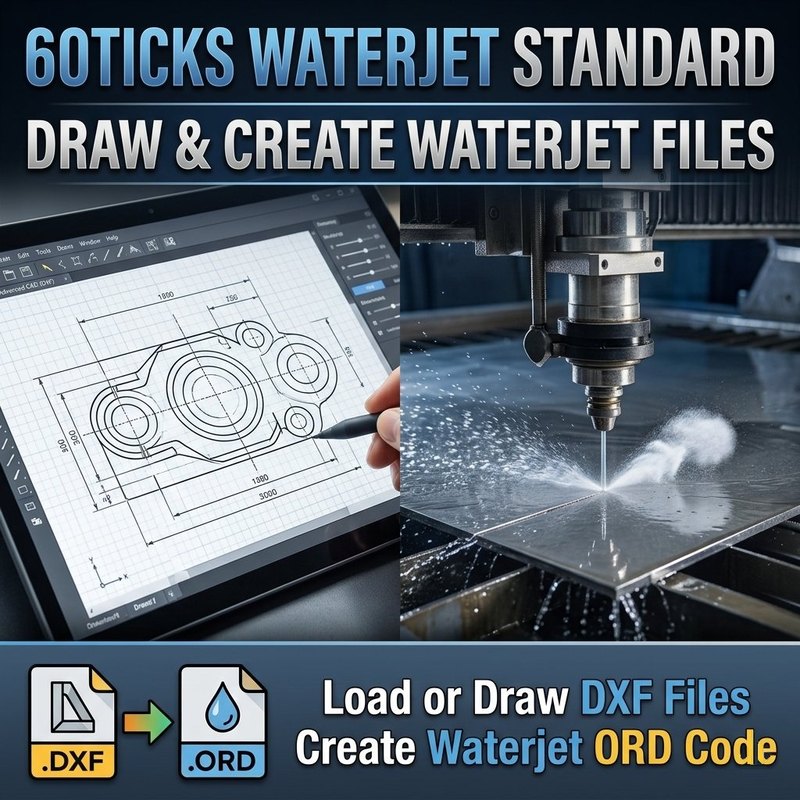
Promotional illustration. The program's graphical user interface differs from the image above — see the screenshots below for the actual interface.
Draw the part. Set the cut order. Export the ORD file.
The same fast, focused drawing program as Waterjet Pro, without the G-code side. Draw a part or open a DXF or ORD file, set your cutting speeds, add lead-ins and tabs, let Auto Path order the cuts, then export an ORD part file for your machine.
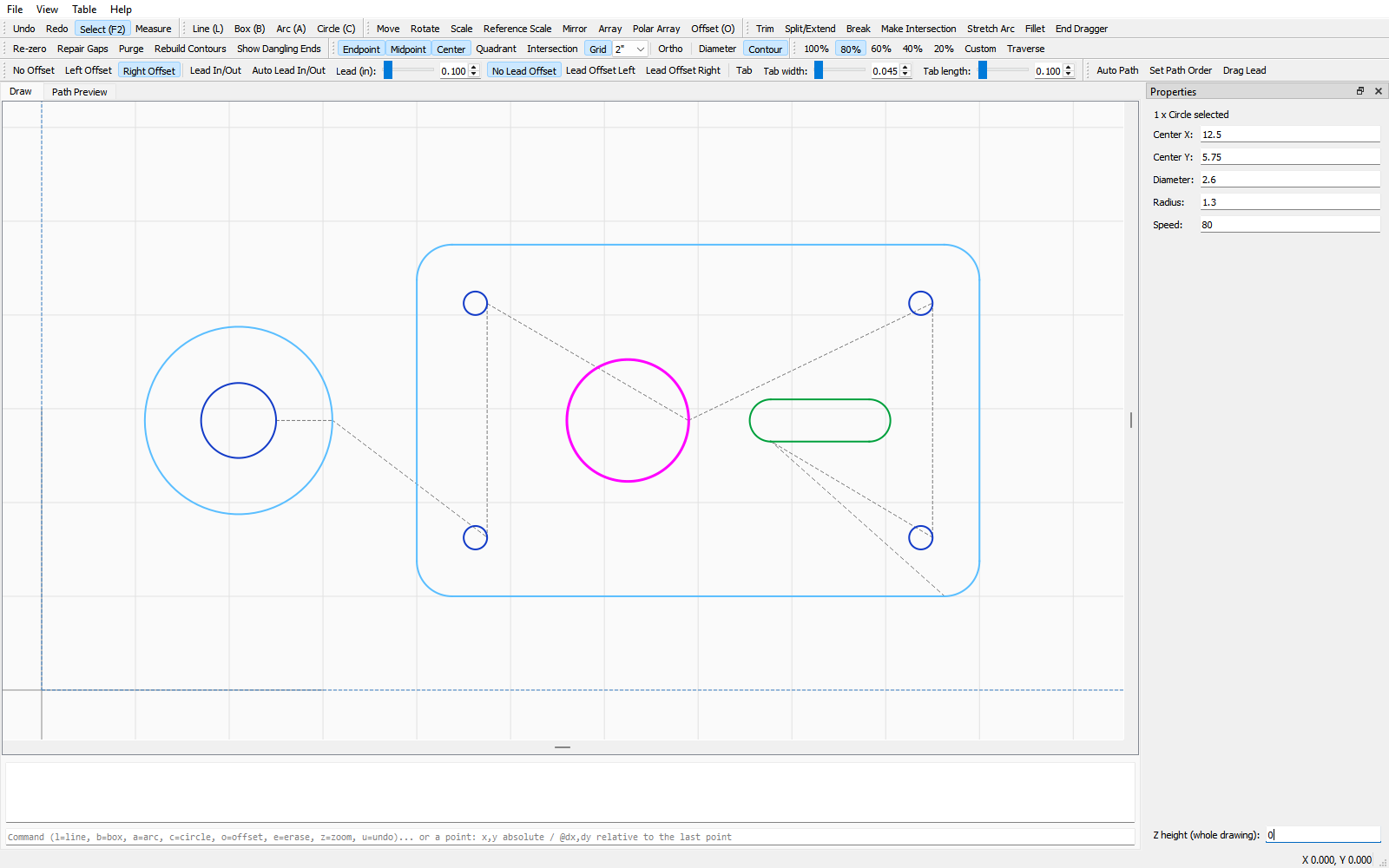
Lead-ins and lead-outs, plus tabs to hold small pieces to the sheet
Auto Path orders the cuts — holes before their outer edge, nearest part first — or set the order yourself
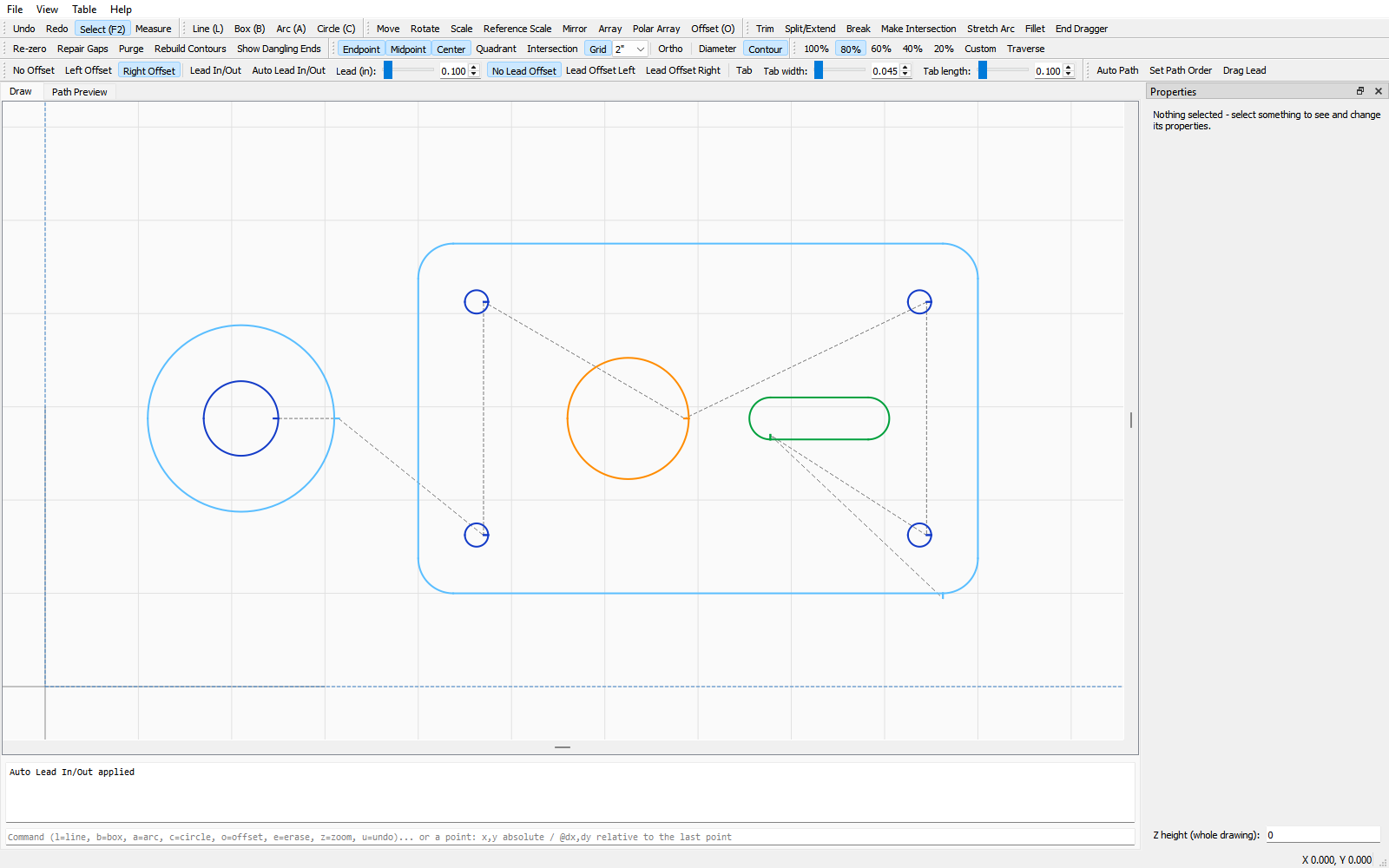
Cutting speeds shown as line colors, with left / right / no cutter compensation
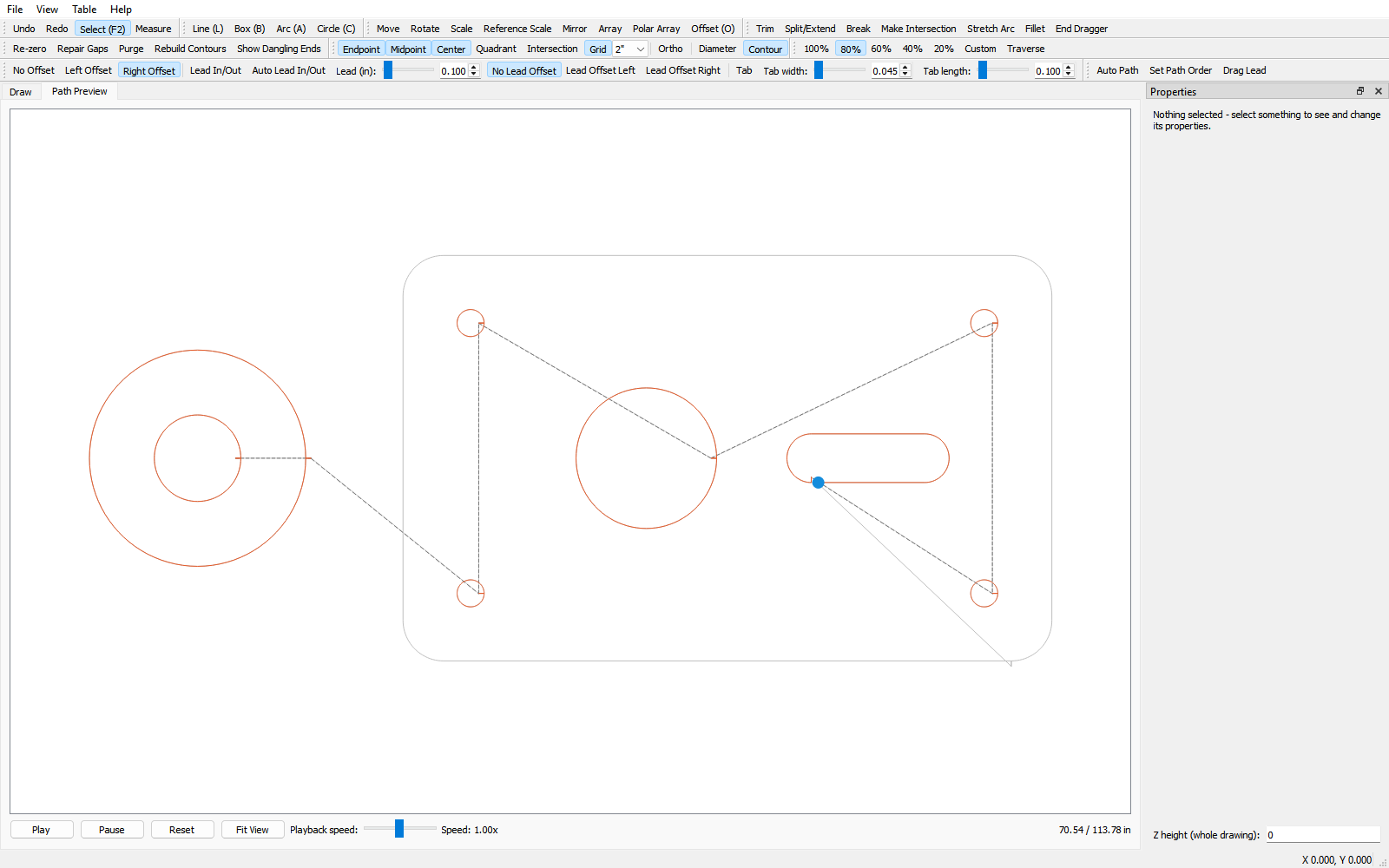
Path Preview plays back the exact cut path, with dashed travel moves
Export ORD part files — and save your drawings as DXF any time
Remembers your toolbar layout and settings between sessions
See it
The Draw tab — toolbars on top, Properties panel on the right, dashed lines show machine travel (click to enlarge)Cutting speeds show as line colors, so you can see the whole job at a glance (click to enlarge)Path Preview plays back the exact cut order, leads and tabs included (click to enlarge)
How it works
1. Draw the part, or open a DXF or ORD file
2. Clean it up, set the speeds, add leads and tabs
3. Click Auto Path (or set the order yourself) and check it in Path Preview
4. Export an ORD part file and take it to your machine
Which one is right for you?
Choose Standard if you only need ORD part files.
Choose Pro if you also want Mach3/Mach4 G-code export and the Text Convert tab.
Choose the Converter if you already have ORD files and only need G-code — no drawing tools.
Trial and license
Try everything free for 60 days. After that, exporting ORD files (Export ORD) needs a license key.
Drawing, opening files, Save DXF and the Path Preview keep working. Your drawings are never locked. Buy once, use it forever — no
subscription. Your key arrives by email; enter it under Help > License. Moving to a
new computer? Just register again.
$99.99 — one-time purchase, unlocks the full
version of 60Ticks Waterjet Standard forever.
Requires Windows 10 or 11 (64-bit). The program runs on the PC you draw on. To cut, save
your file and carry it to your machine's controller PC on a USB stick — the
controller PC does not need this software or a recent version of Windows.
60Ticks is not affiliated with or endorsed by any machine or software manufacturer.
Product and file-format names belong to their owners.
More 60Ticks tools
60Ticks Waterjet Pro
Draw, edit and cut-order your parts, then export ORD part files and Mach3/Mach4 G-code.